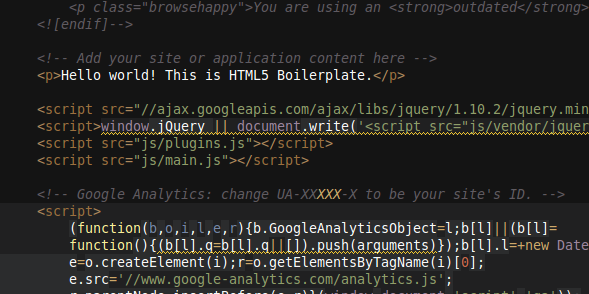
The biggest hurdle for me when getting started with a new technology is setting up my workspace with all the tools I'll need. For basic web development there are two tools, a web browser and a text editor. Obviously the browser choice is whichever one my customer will be using. The text editor choice is complex. There are dozens of excellent editors available.
The work I do requires me to switch from Windows to Mac to Linux all in the same day. At the top of my list of requirements for a text editor is cross-platform compatibility. The ability to run on any of the major operating systems limits the choices of editors to less than a handful.
Over the past few months I have been testing these 4 editors, spending 3 to 4 weeks with each (usually until the trial license expired). For each editor I imported my whole project, built the project and deployed it to the production server. I found that all 4 editors work great and I am happy programming with each of them.
Cross-Platform Editors for Web Development
(In no particular order)
Aptana
An open source, full featured editor. The code is available on Github. The editor includes a project tree, console, terminal, and browser preview. Another nice feature is the ability to setup automated publishing to ftp and 3rd party hosting.
Sublime Text
This is the most beautiful editor. The novel feature of Sublime Text is the miniature preview of the entire length of code. For me, as a visual thinker, the preview helps me remember where in the code my functions are. Also included is the project tree, excellent code completion, batch edits and fast search.
Netbeans
This is the editor I use, mostly because my team does a lot of Java development and Netbeans is great for both Web Development and Java Programming. The most recent release added support for popular front-end JavaScript MVC frameworks. My favorite feature is the auto code formatting. Also included is a project tree, debug console, and live error highlighting.
WebStorm
This is the second most beautiful editor. It includes all the features of the other editors and recently added a terminal window. The in editor terminal is great for me because I use Yeoman to manage my Angualrjs code. I can now run the commands within the editor.
What editor do you use for web development?