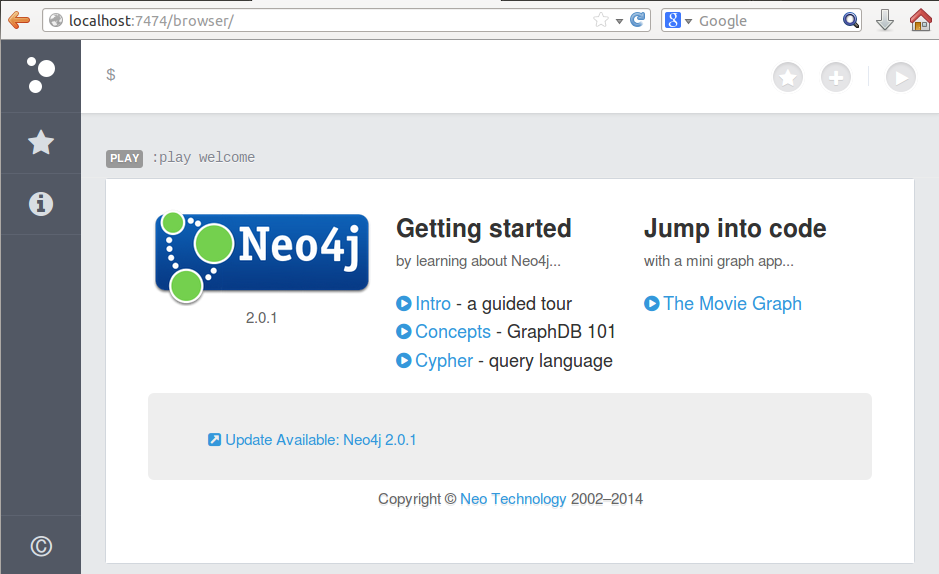
How to install neo4j on Ubuntu
- Install neo4j
- Start with a stock Ubuntu install
- Install Oracle JDK7 according to this askubuntu doc
- Download neo4j Linux Community edition
- Follow the neo4j installation instructions for Debian Linux
- visit http://localhost:7474/webadmin/ to see your neo4j database
Once neo4j is installed it is necessary to configure the database so that tutorials on neo4j.org will work.
- Setup the Database
-
cd /etc/neo4j/ -
- Edit the properties file so that indexing is enabled and one of the indexable keys is name.
-
sudo pico neo4j.properties -
uncomment
#node_auto_indexing=true -
uncomment
#node_keys_indexable=name,age - Save and exit the text editor
-
-
Restart neo4j
sudo /etc/init.d/neo4j-service restart
- A quick tutorial to get things rolling
- visit the webadmin at http://localhost:7474/webadmin
- Go to the Data Browser tab. The data browser tab has a text box for entering cypher queries.
- Hit CTRL+ENTER to execute the default query. The result should be similar to "Returned 1 row. Query took 678ms" and a button for Node 0.
-
- Execute the following cypher queries in order to get a simple visualization
-
CREATE (mywork {name:'My Work Place'}),(chris {name:'Chris'}),(mywork)<-[:WORKS_AT {title:'Developer'}]-(chris) -
The result should be node 1.
START n=node:node_auto_index(name="Chris") RETURN n - Click on the 'node 1' button to see the name property is set to Chris. Now, switch view mode by clicking on the furthest right button that is on the same row as the query box.
-
START mywork=node:node_auto_index(name="My Work Place") CREATE (bill {name:'Bill'}),(mywork)<-[:WORKS_AT {title:'Developer'}]-(bill) -
START n=node:node_auto_index(name="My Work Place") RETURN n -
START chris=node:node_auto_index(name="Chris"),bill=node:node_auto_index(name="Bill")
CREATE UNIQUE (chris)<-[:WORKS_WITH]-(bill) -
START n=node:node_auto_index(name="My Work Place") RETURN n -
- The database can be cleared out by deleting the folder it is stored in.
-
cd /var/lib/neo4j/data -
sudo rm -rf graph.db/ -
Restart neo4j
sudo /etc/init.d/neo4j-service restart
-
-